
Settings and integrations
This is where you define how B4ker connects to your world: integrations, preferences, and security.
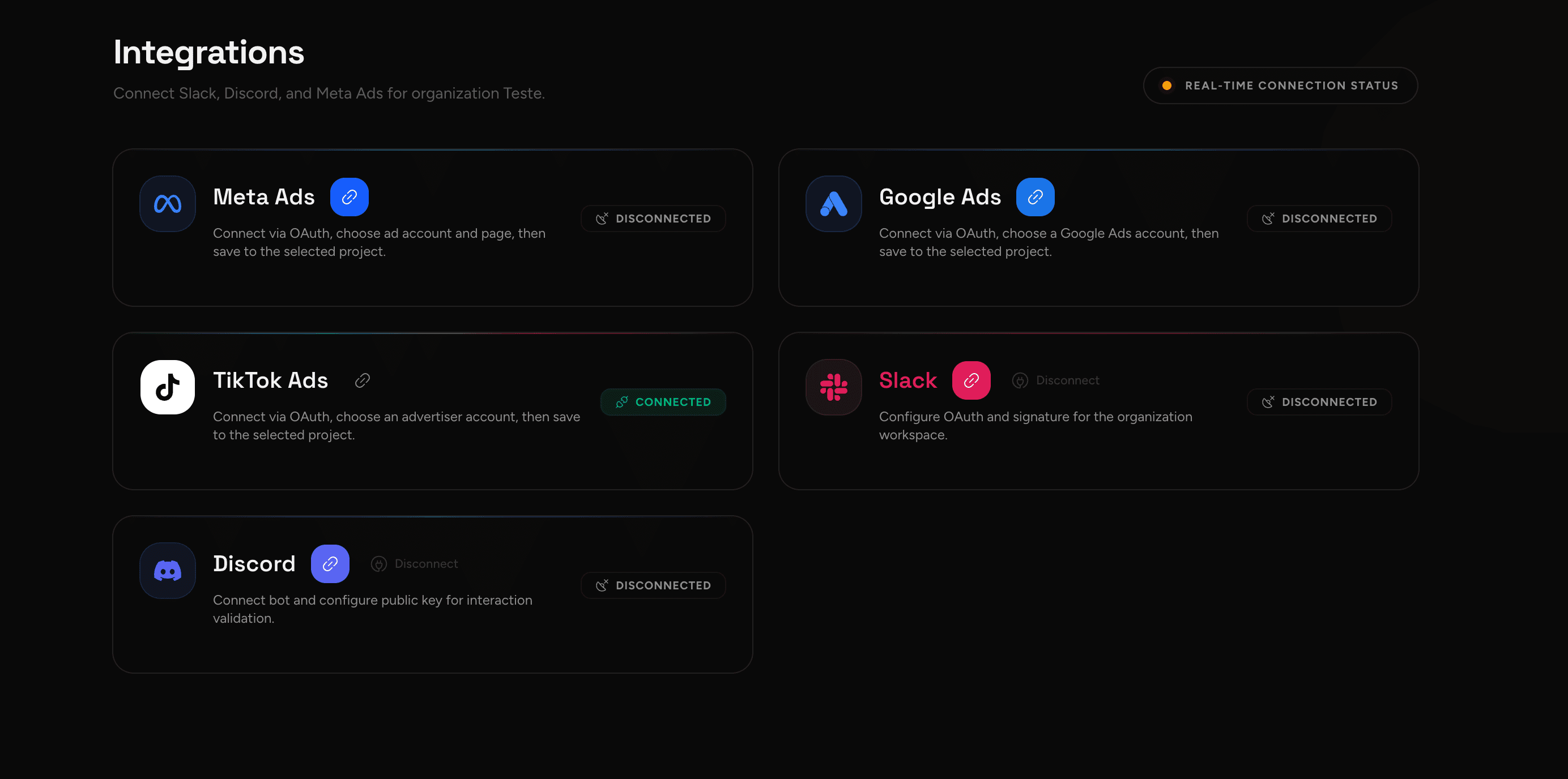
What to connect
- Ad platforms (Meta, Google, TikTok): they pull campaigns and metrics that feed Insights and optimizations.
- Channels and tools (Slack, Discord, webhooks): they receive reports, alerts, and operational messages.
Setup flow
- Connect the main data source (where your campaigns run).
- Validate: check the right account, read permissions (and action permissions, when applicable), and that data appears in Campaigns/Insights.
- Automate communication (optional): set where the team receives updates.
- Review security: keep trusted devices and access up to date.
Best practices
- Connect integrations per Organization (governance) and separate context per Project.
- If something "doesn't show up", it's almost always the wrong project/account, insufficient permission, or a filter.
The better your integrations, the stronger the loop Campaigns → Insights → Chat → new variations.